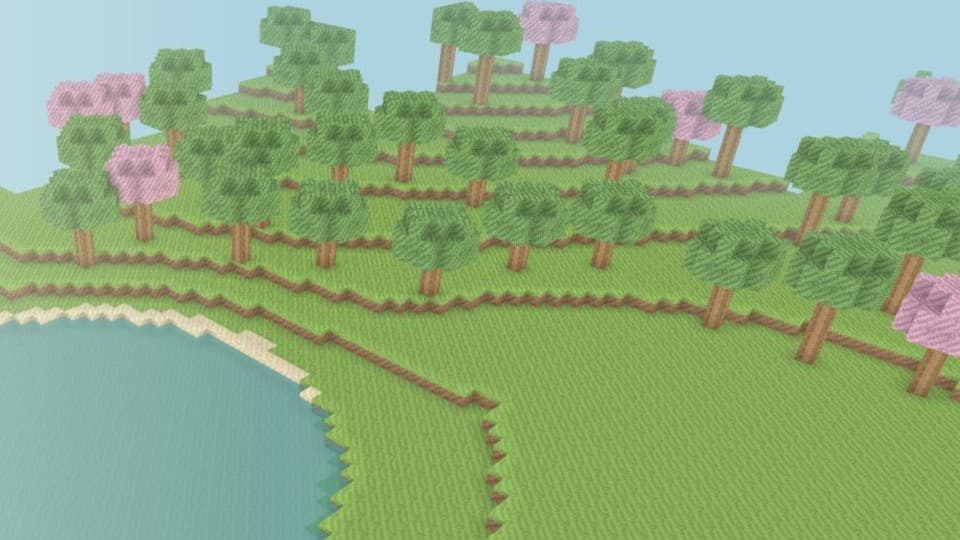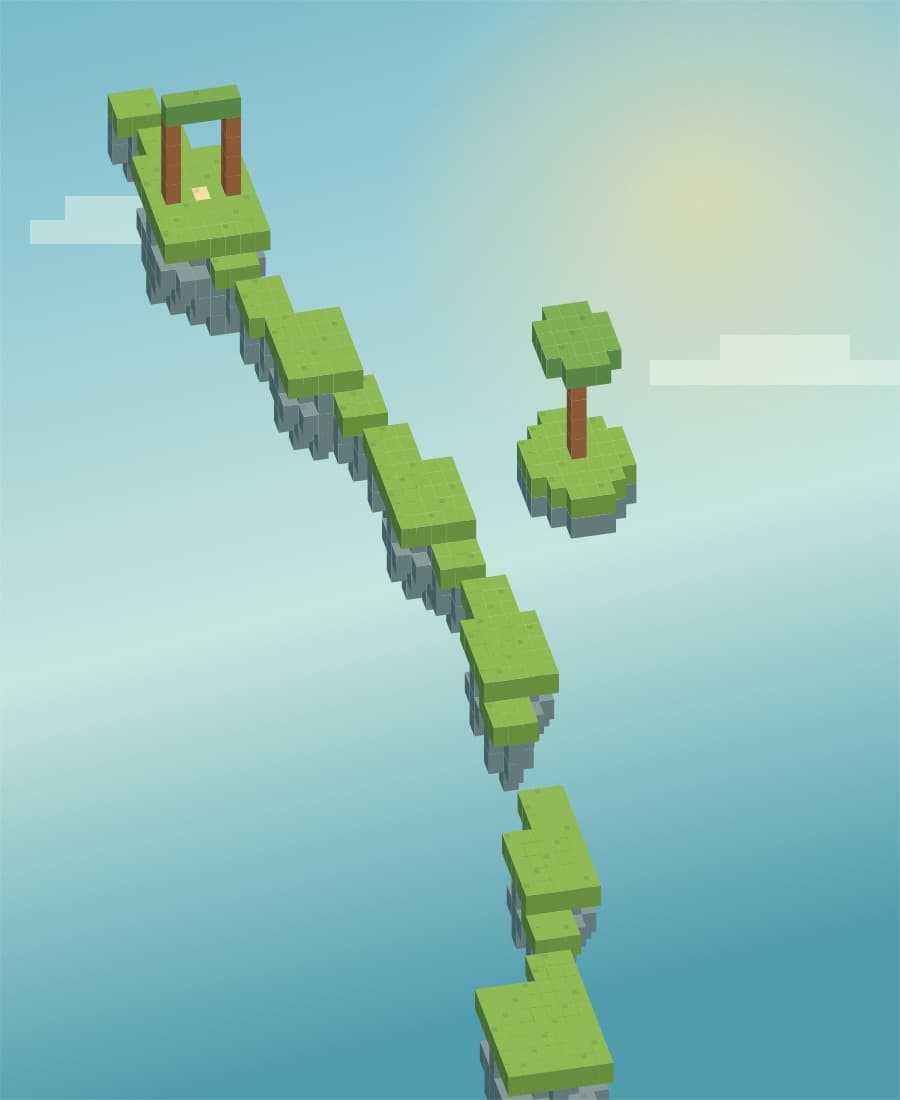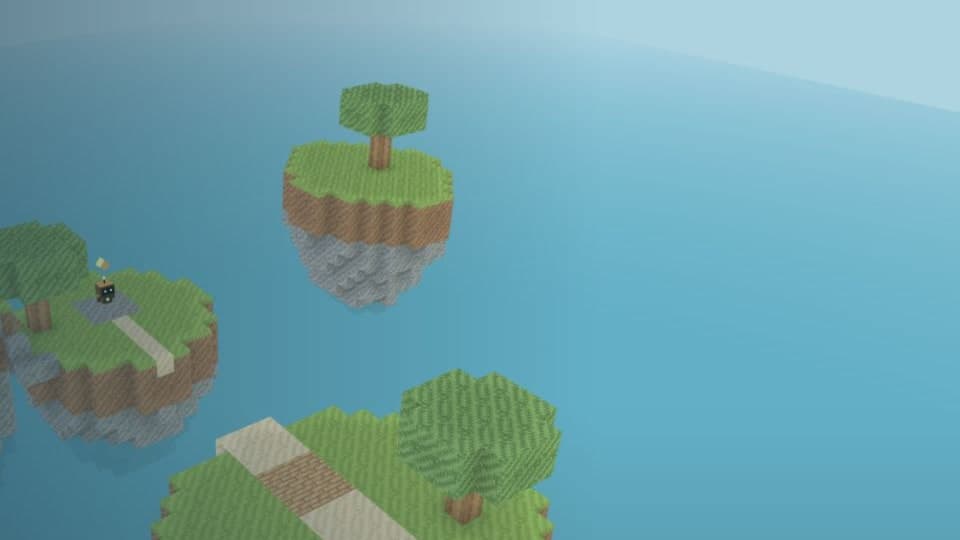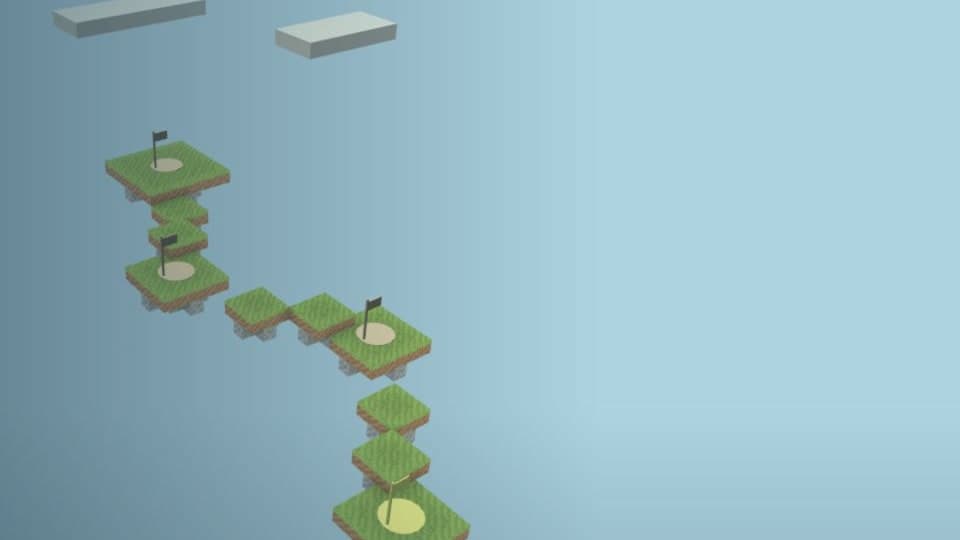
Your first run
Press Play, choose a course and wait for the world to load. The competitive clock starts when you press Start run. Follow the bright checkpoint flag, using WASD to move and Space to jump.
At a gap, look at the face of the nearest block. Click or press E to place a new block beside it. A careful bridge is often quicker than falling and rebuilding your approach.
The rules every challenge shares
| Rule | How it works |
|---|---|
| 24 blocks | All building materials use the same shared budget. |
| Protected course | The original platforms cannot be broken. |
| Reclaim blocks | Hold Q on one of your placed blocks to get it back. |
| Three ordered checkpoints | Reach each checkpoint before the finish can count. |
| Five-second fall penalty | Falling or pressing R returns you to your last checkpoint and adds five seconds. |
| Ten-minute attempt | The clock continues through pauses and disconnections. |
| Verified result | The game server times the run and checks progress. A client cannot submit its own finish time. |
Improve your route
First learn where the fixed platforms end. Spend blocks on gaps you cannot comfortably jump, then save the rest for the climb. Reclaim a block only if you can safely reach it without giving up more time.
Watch your block count beside the timer. Try your next run with a smaller number of deliberate placements. The best time on this device is shown after a finish; practice and verified records are kept separate.
Challenge a friend
After a verified finish, choose Challenge a friend. Copy the link or open the system share menu. Your friend sees the course and your time, then starts a separate attempt.
The link preserves the course version and rules. A completed attempt compares the times and offers a new challenge link. Links last 30 days, and no account or public player name is needed.
Local practice and connection problems
If the race server is unavailable, choose Local practice. You can learn the route and keep a practice best on this device, but that time is not published as a verified result.
During a verified attempt, a disconnection pauses your movement while the server clock continues. Reconnect to the same attempt if it is still available, or start a fresh attempt from the course page.